

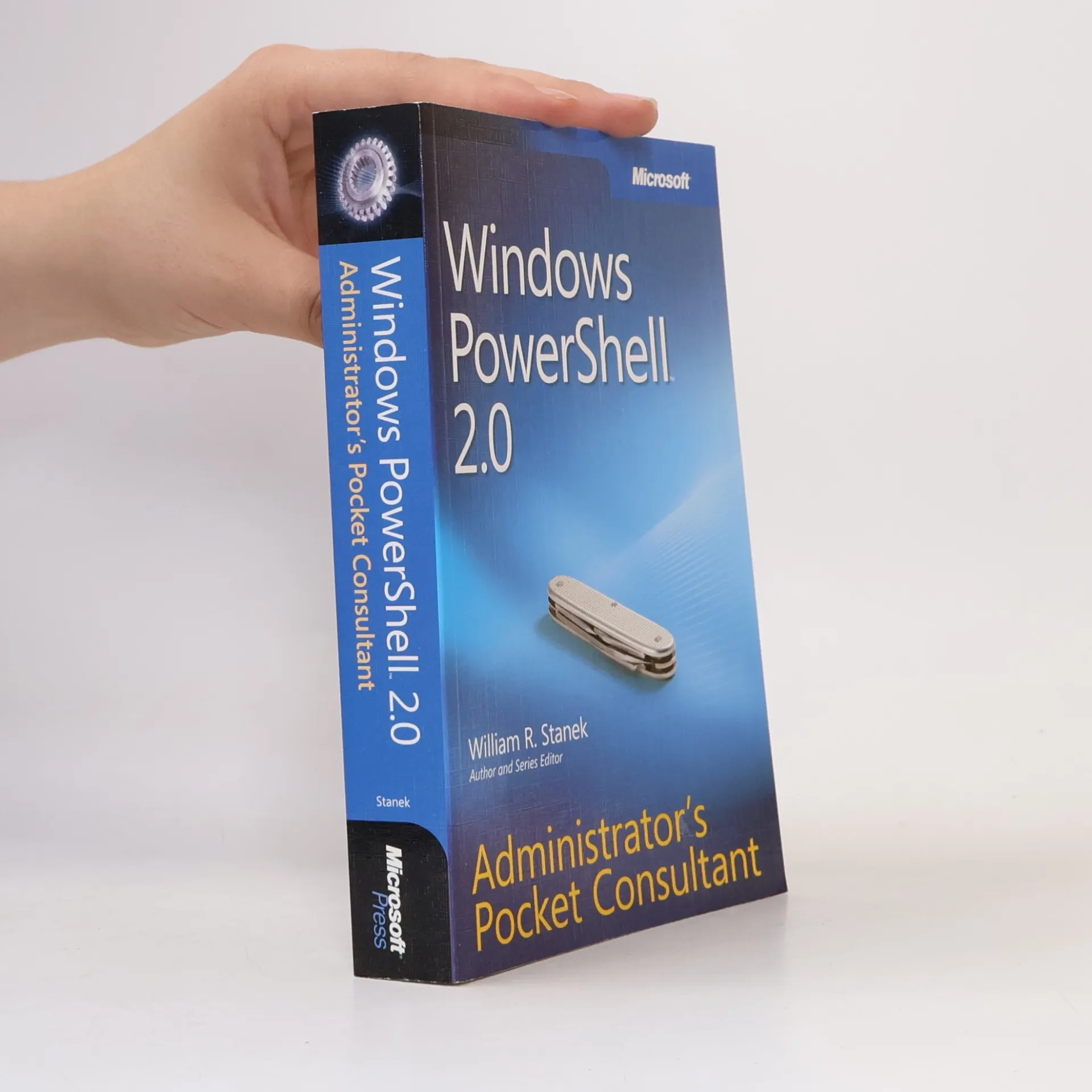
Windows PowerShell 2.0
Administrator's Pocket Consultant
Auteurs
Paramètres
- 464pages
- 17 heures de lecture
En savoir plus sur le livre
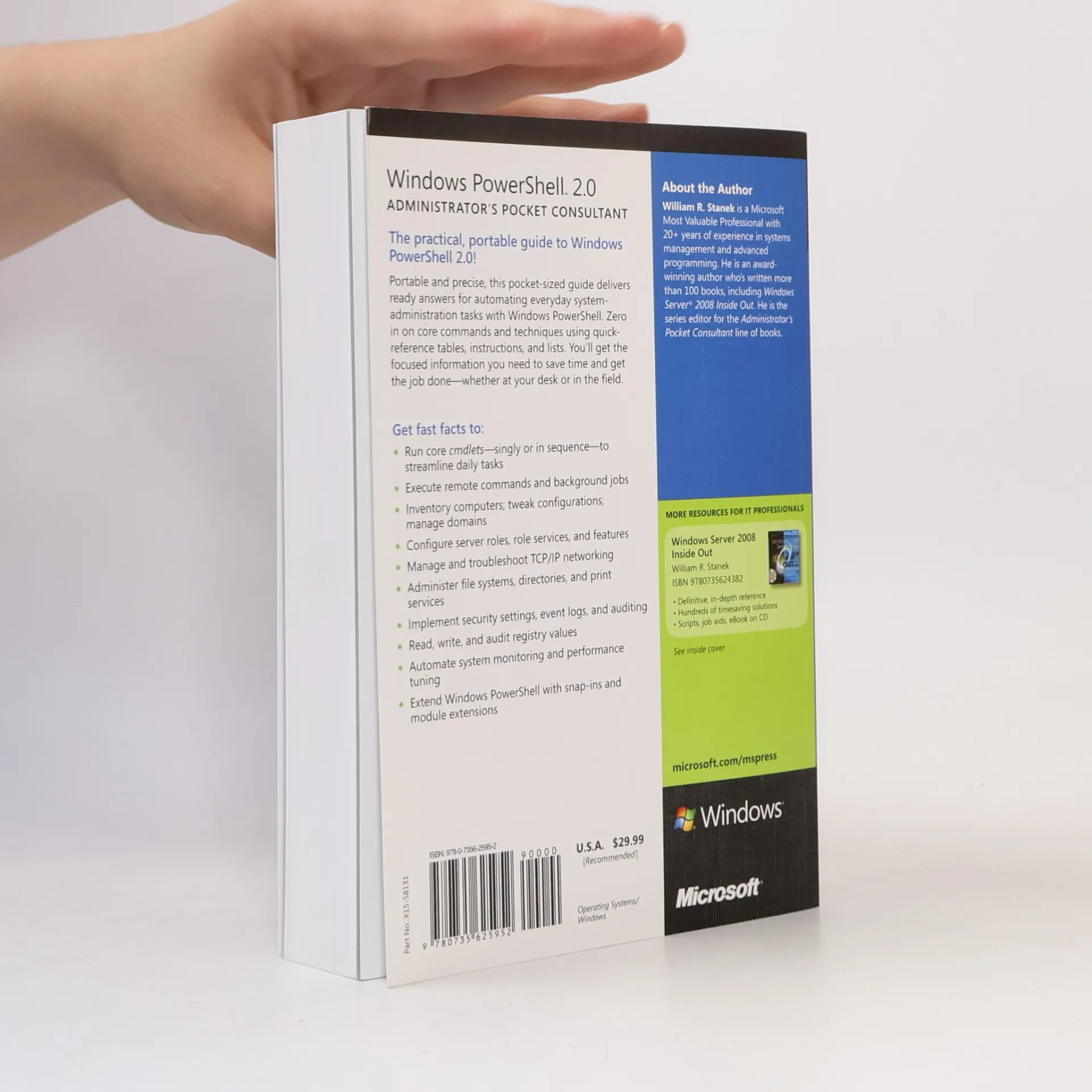
Portable and precise, this pocket-sized guide delivers ready answers for automating everyday system-administration tasks with Windows PowerShell. Zero in on core commands and techniques using quick-reference tables, instructions, and lists. You’ll get the focused information you need to save time and get the job done—whether at your desk or in the field. Get fast facts to:Run core cmdlets—singly or in sequence—to streamline daily tasksExecute remote commands and background jobsInventory computers; tweak configurations; manage domainsConfigure server roles, role services, and featuresManage and troubleshoot TCP/IP networkingAdminister file systems, directories, and print servicesImplement security settings, event logs, and auditingRead and write registry valuesAutomate system monitoring and performance tuningExtend Windows PowerShell with snap-ins and module extensions
Achat du livre
Windows PowerShell 2.0, William R. Stanek Jr.
- Langue

- Année de publication
- 2009
- Reliure
- (souple)
Modes de paiement
Personne n'a encore évalué .
- Titre
- Windows PowerShell 2.0
- Sous-titre
- Administrator's Pocket Consultant
- Langue
- Anglais
- Auteurs
- William R. Stanek Jr.
- Éditeur
- Microsoft Press
- Publié
- 2009
- Format
- souple
- Pages
- 464
- ISBN10
- 0735625956
- ISBN13
- 9780735625952
- Séries
- Mots clés
- Manuels et guides, Technologie, Systèmes d'exploitation, Microsoft
- Description
- Portable and precise, this pocket-sized guide delivers ready answers for automating everyday system-administration tasks with Windows PowerShell. Zero in on core commands and techniques using quick-reference tables, instructions, and lists. You’ll get the focused information you need to save time and get the job done—whether at your desk or in the field. Get fast facts to:Run core cmdlets—singly or in sequence—to streamline daily tasksExecute remote commands and background jobsInventory computers; tweak configurations; manage domainsConfigure server roles, role services, and featuresManage and troubleshoot TCP/IP networkingAdminister file systems, directories, and print servicesImplement security settings, event logs, and auditingRead and write registry valuesAutomate system monitoring and performance tuningExtend Windows PowerShell with snap-ins and module extensions